
PollQR Now Runs Live Quizzes, and AI Can Write Your First Draft
Are you a public speaker, or a teacher or trainer? Or do you run events, where you might want your audience to join in for a little fun, live trivia competition? I’ve just released a new Quiz feature that you might be interested in.
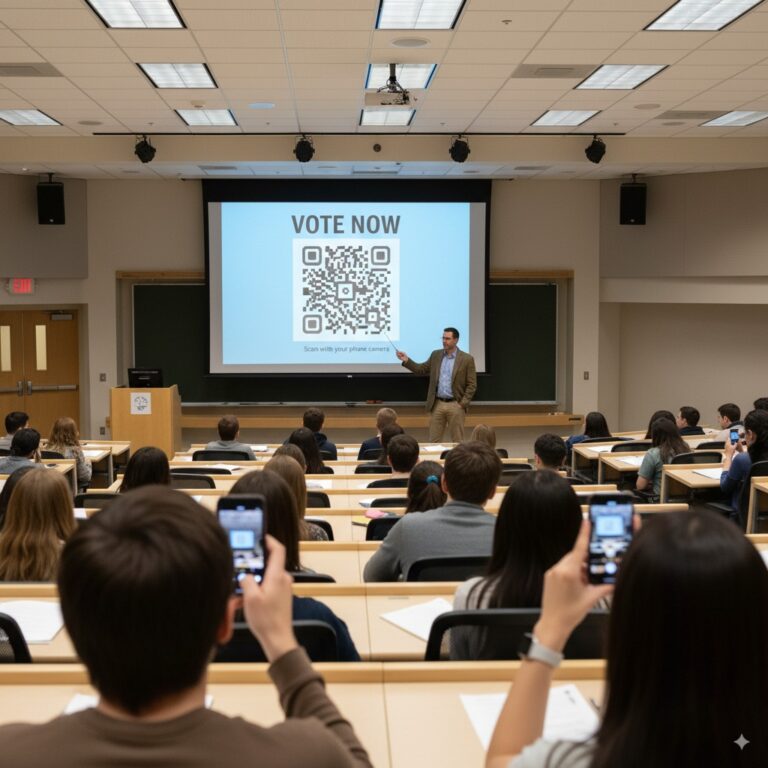
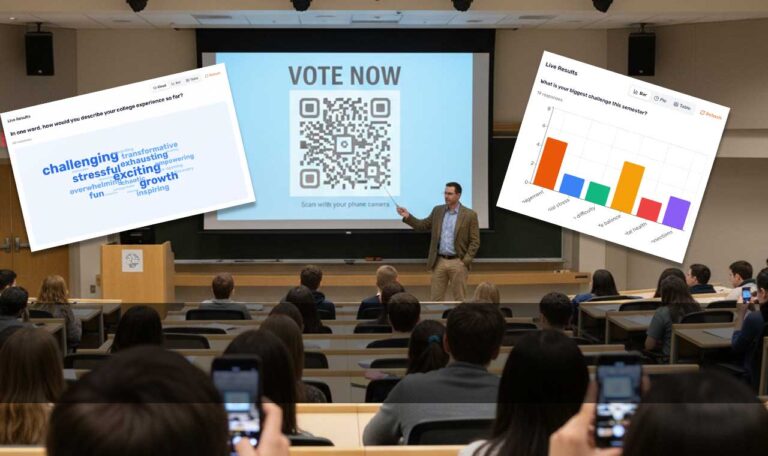
Most people use PollQR for live polls. A speaker asks the room a question, people scan a QR code, and the answers appear on the screen as they come in. That works well for opinions and getting a feel for the room.
But teachers and trainers kept asking for something else. They want to ask questions that do have correct answers, and create a fun moment of competition.
Here is a two-minute video that shows the whole thing:
How a quiz works
You show a QR code on your screen. Players scan it with their phone camera and type a nickname. Their names appear on the screen as they join. Nobody downloads an app or makes an account.
When the room is ready, you press Start. Everyone sees the same question at the same time, on the big screen and on their phones. A timer counts down. A right answer earns between 500 and 1,000 points, and a faster answer earns more.
When the timer ends, the screen shows the right answer and how the room answered. Then a leaderboard shows who is ahead, and you move to the next question.
It works the same way in a classroom, a conference hall, or on a Zoom or Teams call. Anyone with a phone or a browser can play.
Let the AI write the first draft
Writing a good quiz takes time!
So I added an AI quiz creator. You just type a topic, say who the quiz is for, and pick 5, 10, 15 or 20 questions. It writes the questions, the right answers and the wrong ones. You see them all before anything goes in your quiz. Keep the good ones, fix the rest, and delete what you don’t like.
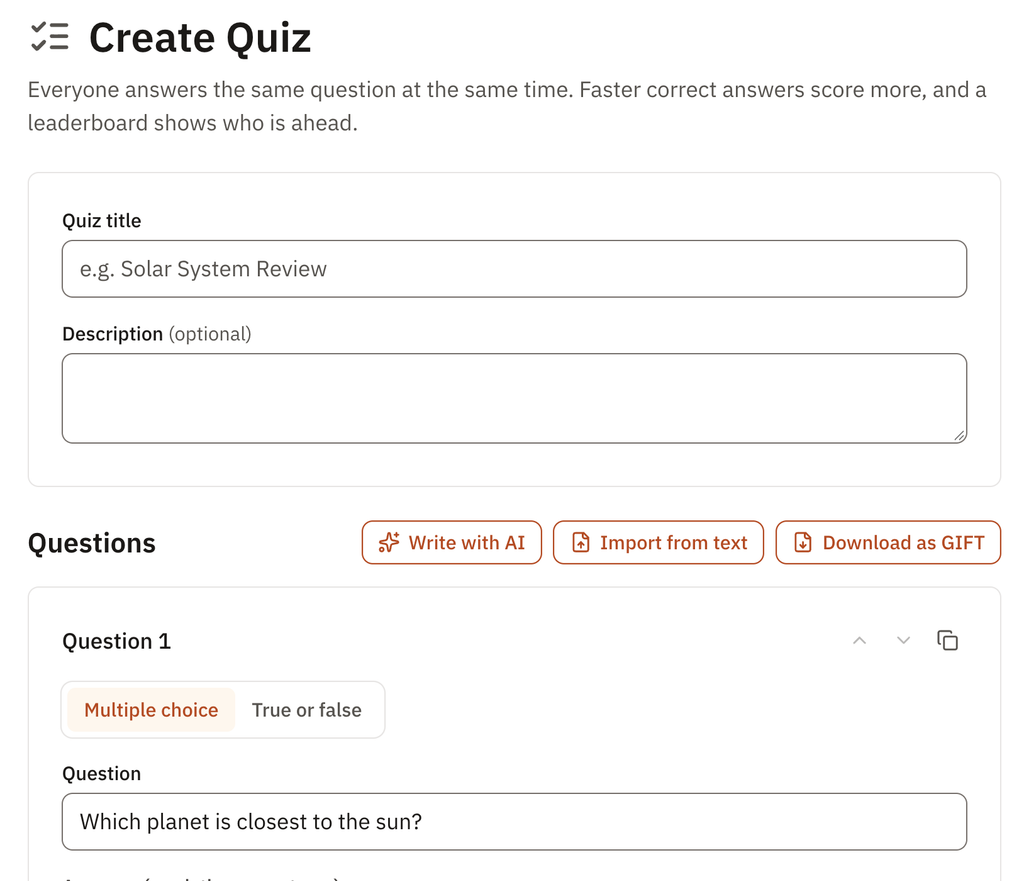
Check what the AI writes! It is fast and usually right, but you are the one standing in front of the room. This AI Assistant is only there to help get you started.
Bring the questions you already have
Many teachers already keep quiz questions as text, often in GIFT format, the plain-text format that Moodle uses. You can paste or upload a GIFT file, and PollQR turns it into a quiz. You can also download any quiz as GIFT, so your questions are never locked in.
I also started a free quiz library: 17 quizzes on science, math, geography, history, English and art. Open one, change it, and play it. Every quiz is also on GitHub under a Creative Commons license, so you can use them in Moodle or any other tool that reads GIFT.
- Quiz library: https://pollqr.com/quizzes
- On GitHub: https://github.com/pollqr/quiz-library
A leaderboard, or private scores
Some teachers love the leaderboard. It brings energy to the room. Others don’t want a whole class to see who came last.
So you choose. Turn the leaderboard off before the quiz or at any time during it. With it off, the big screen shows only how the room answered, never names or scores. Each player still sees their own score and rank on their phone. Nobody else sees it.
It should feel like a game
The first version of quizzes worked, but it was quiet and gray. A quiz is a game, and it should feel like one. Now each answer has its own color and shape, the screens move, and the presenter screen plays music and sound effects. The sound plays on the big screen only. Thirty phones playing the same sound a half-second apart is just noise.
What it costs
Quizzes are part of All Access: $19 for 30 days with no subscription, or $199 for a year. Schools can get All Access for up to 25 teachers for $699 a year.
Live polls are still free for up to 20 votes per poll. Use a poll when you want opinions, and a quiz when there is a right answer.
Try it
If you teach, train or speak, I would love for you to try a quiz with your next group. And if something doesn’t work the way you expect, tell me. I read every message.
Learn more: https://pollqr.com/qr-code-quiz