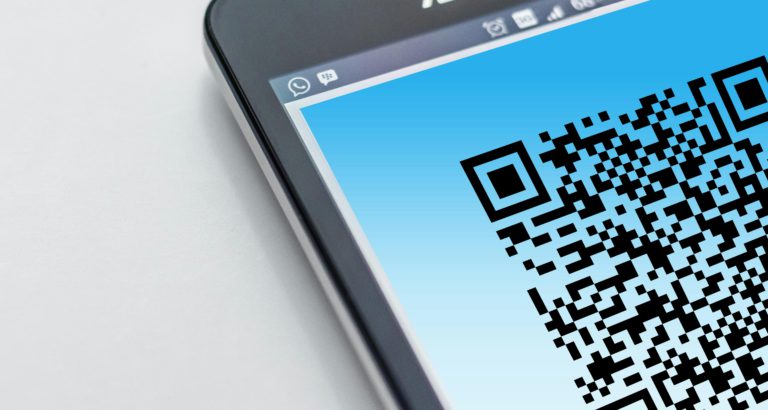
QR Code Survey Generator
If you’ve ever wanted to collect feedback from real people — in the room, in the moment — without handing out paper forms or hoping they’ll fill out an email survey later, a QR code survey generator is exactly what you need.
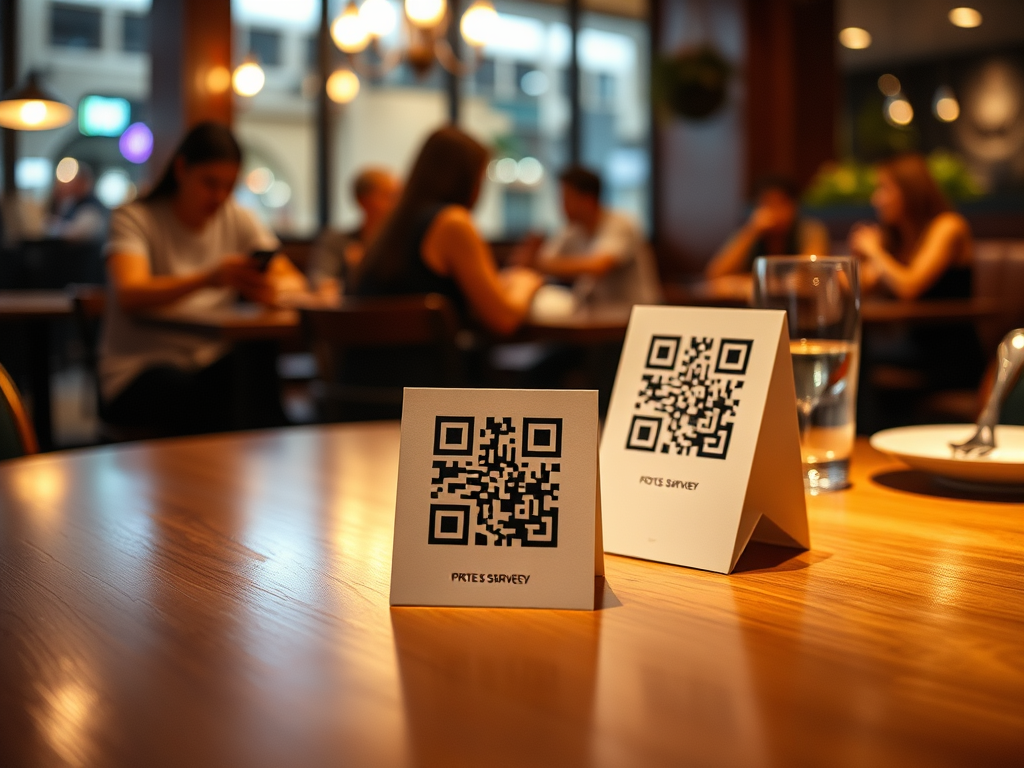
The idea is simple: you create a survey, you get a QR code, you put that code somewhere people can see it (a table tent, a receipt, a slide, a poster on the wall), and they scan it with their phone and answer your questions on the spot. No app to download. No login required. It takes about 15 seconds on their end.
I built PollQR.com to do precisely this.
Why QR Code Surveys Work
Traditional surveys have a response rate problem. By the time someone gets home, opens their email, and sees your survey link, the moment has passed. They’ve moved on. You’ve lost the feedback window.
QR Codes change that. When someone is standing in your coffee shop, or just finished your class, or is sitting at your restaurant table, that’s when their experience is freshest. That’s usually when they’ll tell you something really useful.
A QR code puts the survey in their hands at exactly the right moment.
Customers have used it to run costume contests in bars, collect feedback in cafes, collect survey feedback in college classes, and more.
What You Can Build with PollQR’s QR Code Survey Generator
PollQR.com lets you create surveys with multiple question types: multiple choice, star ratings, Net Promoter Score (NPS), open text, and more. Once you publish your survey, you instantly get a QR code you can download, print, or display on a screen. PollQR even has print formats for Avery stickers.
Some things people use it for:
- Restaurants and cafes — table cards asking “How was your experience?”
- Retail shops — quick product feedback at the point of sale
- Trainers and educators — end-of-session feedback from attendees
- Conference speakers — collect audience reactions right after a talk
- Healthcare and services — patient or client satisfaction, on the spot
The results come in in real time. You can watch responses as they arrive and download them to CSV for deeper analysis.
How to Create a QR Code Survey in Minutes
Head over to PollQR.com, create your survey, add your questions, and hit publish. You’ll get a QR code instantly. Print it out, slap it on a sticker or card, and you’re done. The whole process takes maybe five minutes.
The Pro plan is just $19/month, and you can download results as they come in.
The Bottom Line
If you’re still waiting for customers to fill out email surveys, you’re leaving a lot of feedback on the table. A QR code survey generator puts the question in front of people at exactly the right time — and makes it effortless for them to respond.
Give it a try at PollQR.com.